Store screenshot generator for browser extensions.
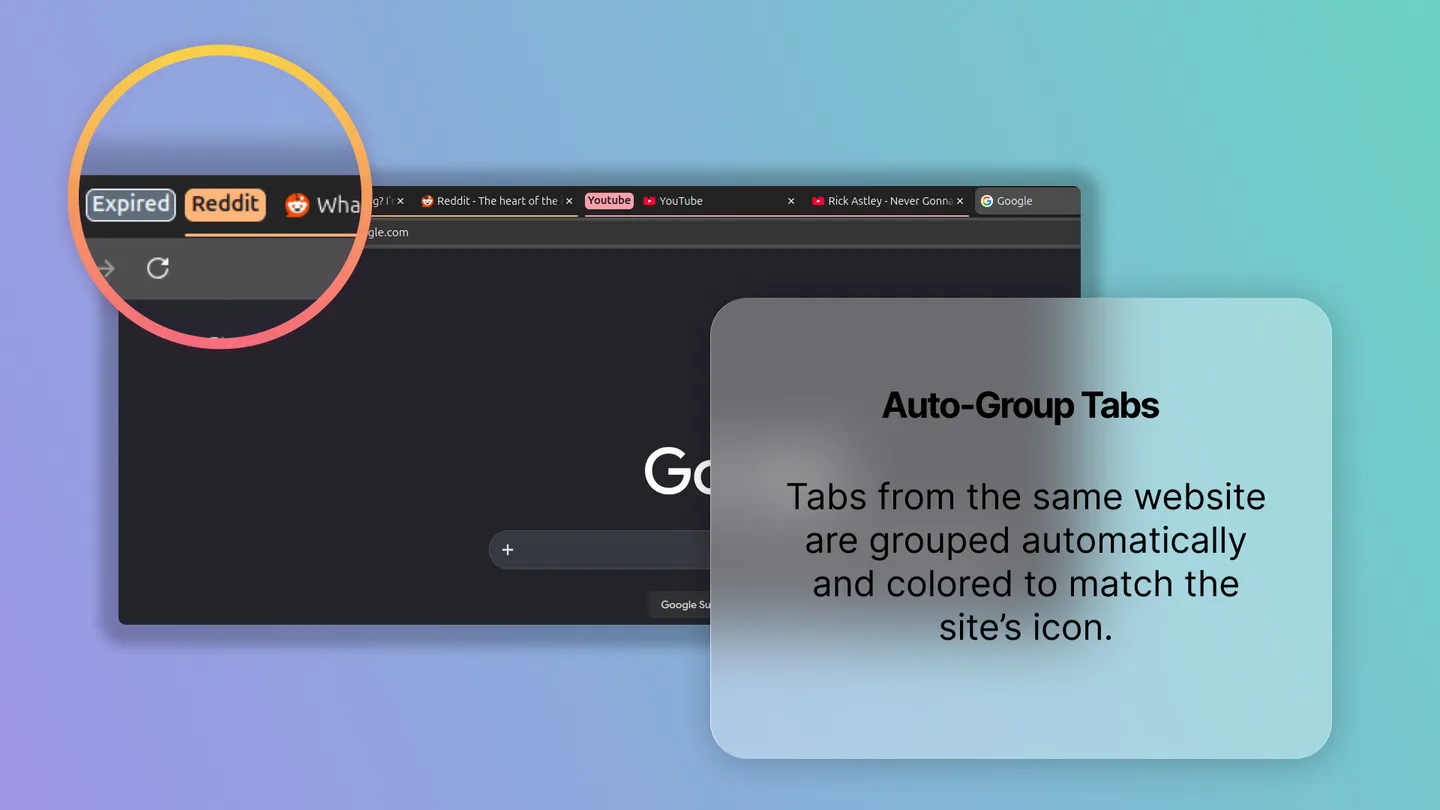
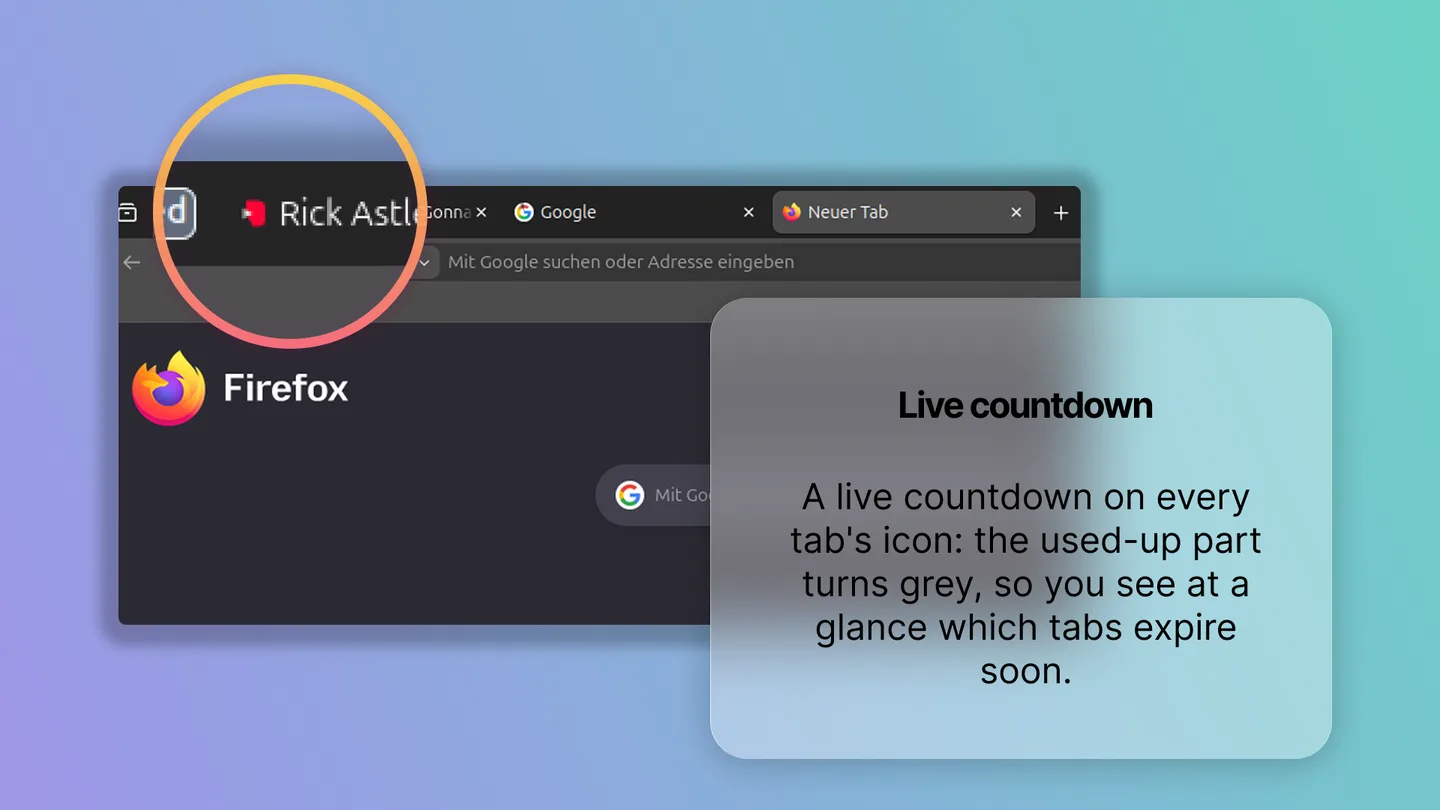
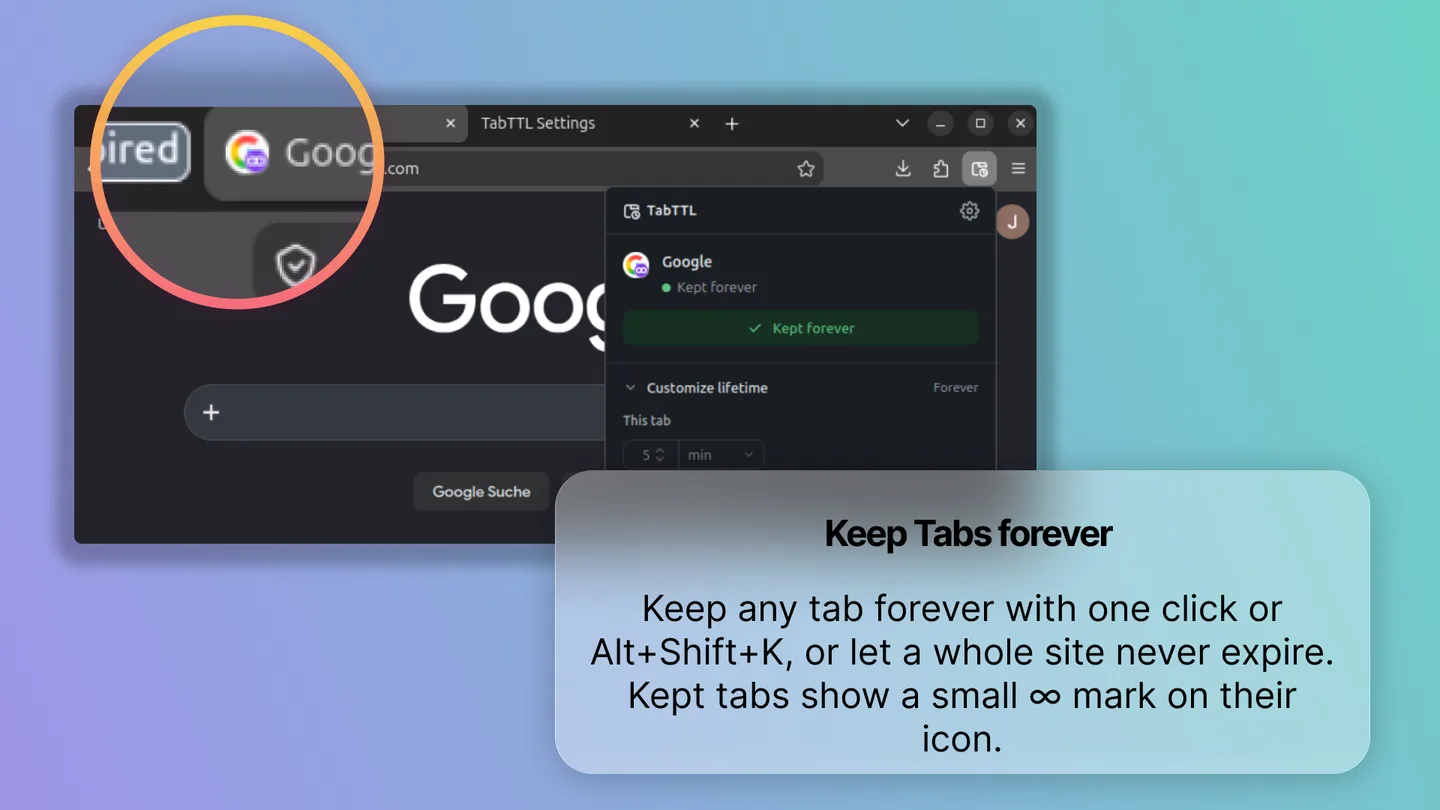
A free in-browser tool for extension store screenshots (Chrome, Firefox, Edge, Opera): gradient, sharp magnifier and glass caption, exported as PNG or JPEG. No uploads.
- Formats
- Chrome · Firefox · Edge · Opera
- Export
- PNG · JPEG
- Uploads
- None
- Price
- Free
The problem
Every extension needs five good-looking store screenshots, and every update needs them again. In Figma, elements drift between slides, magnifiers are blurry crops and the glass effect breaks on export.
Use it to
- Make the five screenshots for a new Chrome Web Store or Firefox Add-ons listing.
- Redo every screenshot after an update without the layout shifting between slides.
- Point out a small detail of your UI with a magnifier that stays sharp.
- Export the same design as promo tiles and portrait images.
What it does
Shared layout, per-slide content
Background, frame, card and lens style are global, so nothing shifts between slides.
A sharp magnifier
The lens re-renders the scene magnified instead of scaling pixels, and stays anchored to its detail.
Pixel-identical export
One Canvas 2D renderer draws the preview, thumbnails and the export, so what you see is what you download.
Every store size
Chrome Web Store, Full HD, promo tiles and portrait. Switching sizes keeps the layout.
Glass on canvas, not CSS
backdrop-filter can't be exported reliably via DOM-to-image, so the frosted card is computed on the canvas: the area behind the card is sampled at quarter resolution, blurred with ctx.filter (with a down/up-sampling fallback for older Safari), cached, and scaled back up. Since the image is already blurred, cheap bilinear upscaling looks the same as a full-resolution blur.
Resolution-independent layout
Positions are fractions of the slide and sizes are points at 1920 × 1080, so switching from a Chrome screenshot to a promo tile keeps the composition intact.
Local-first
Projects autosave to IndexedDB, fonts are self-hosted, and there are no third-party requests. Paste a screenshot with Ctrl/⌘ + V, export with Ctrl/⌘ + E.
The TabTTL store screenshots on this site were made with Storeshot.