 JP
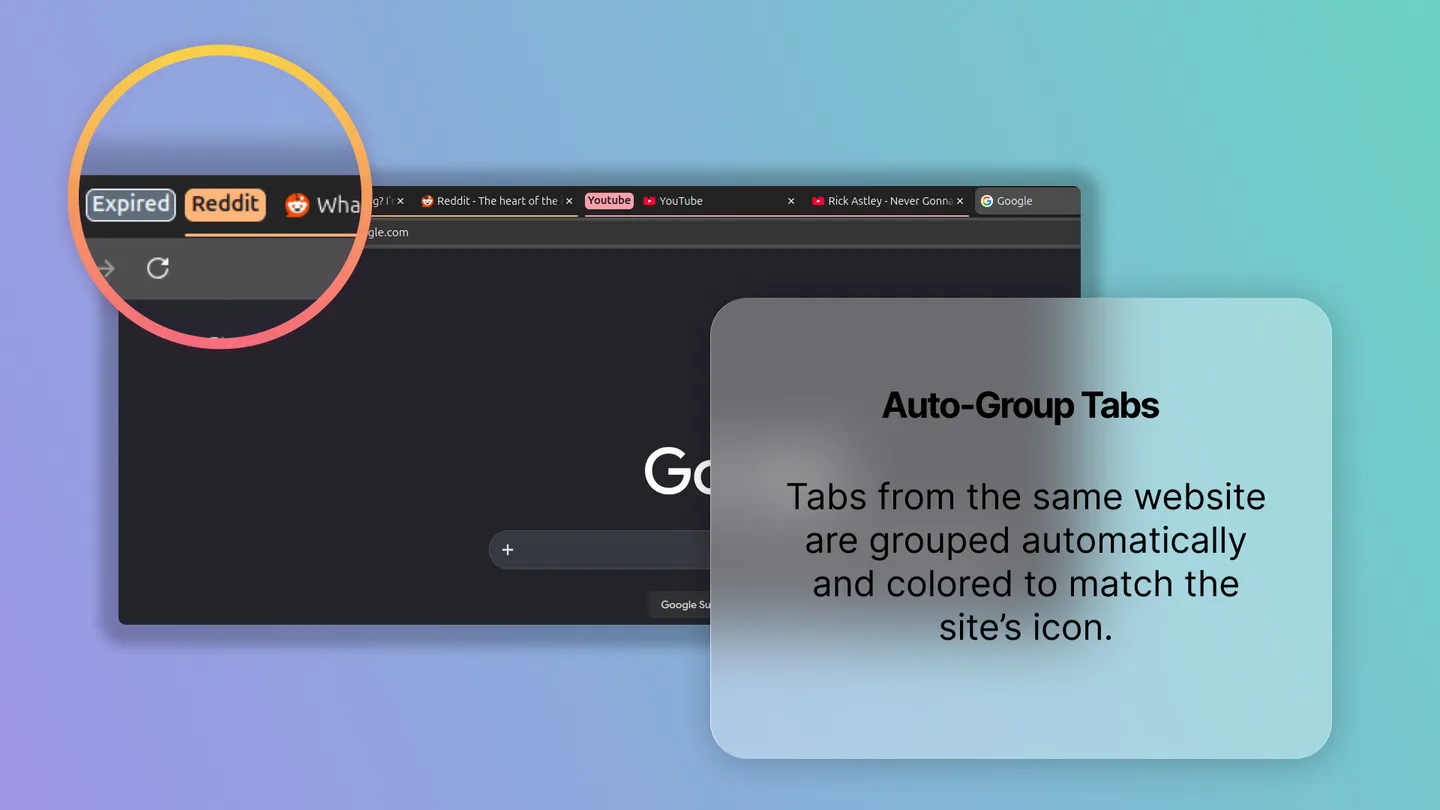
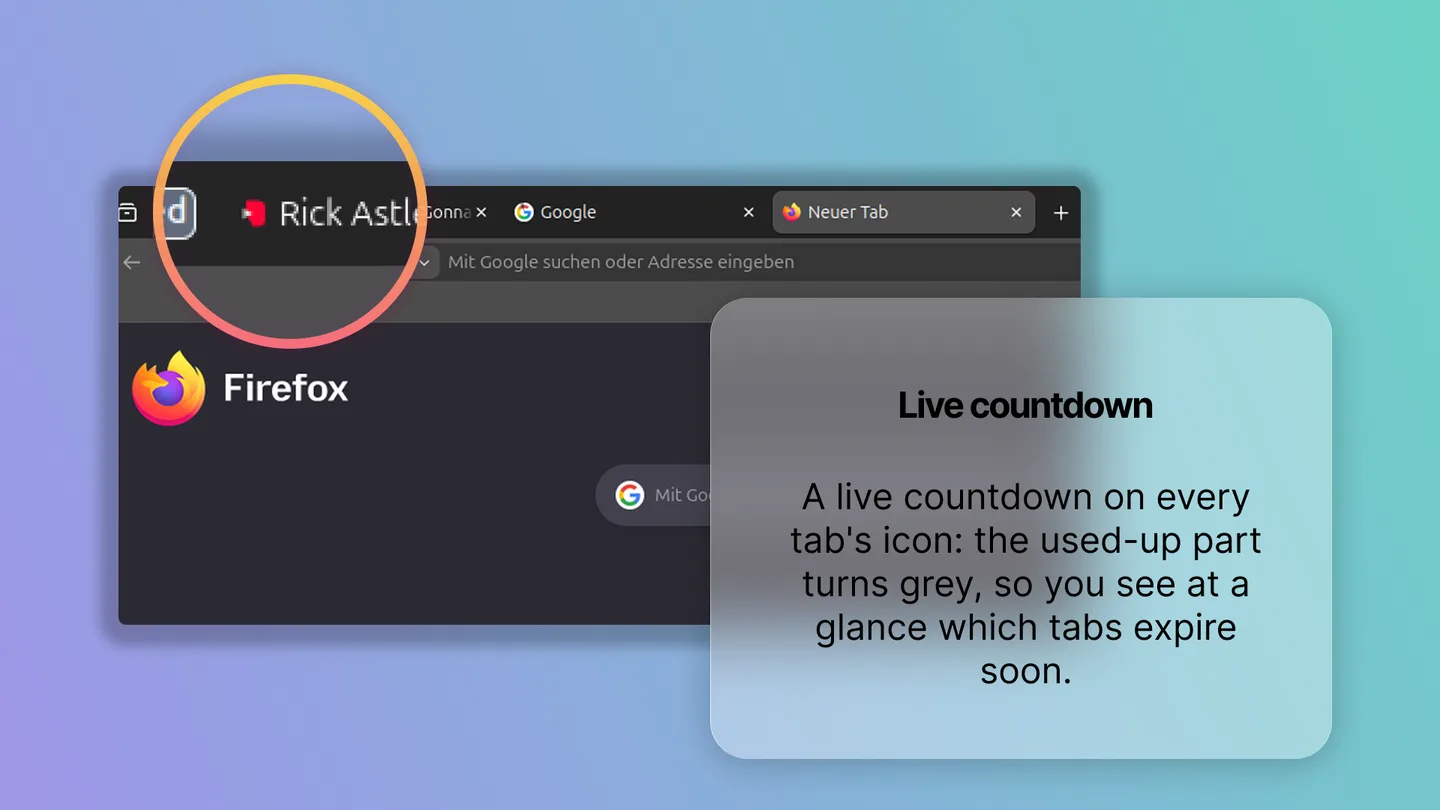
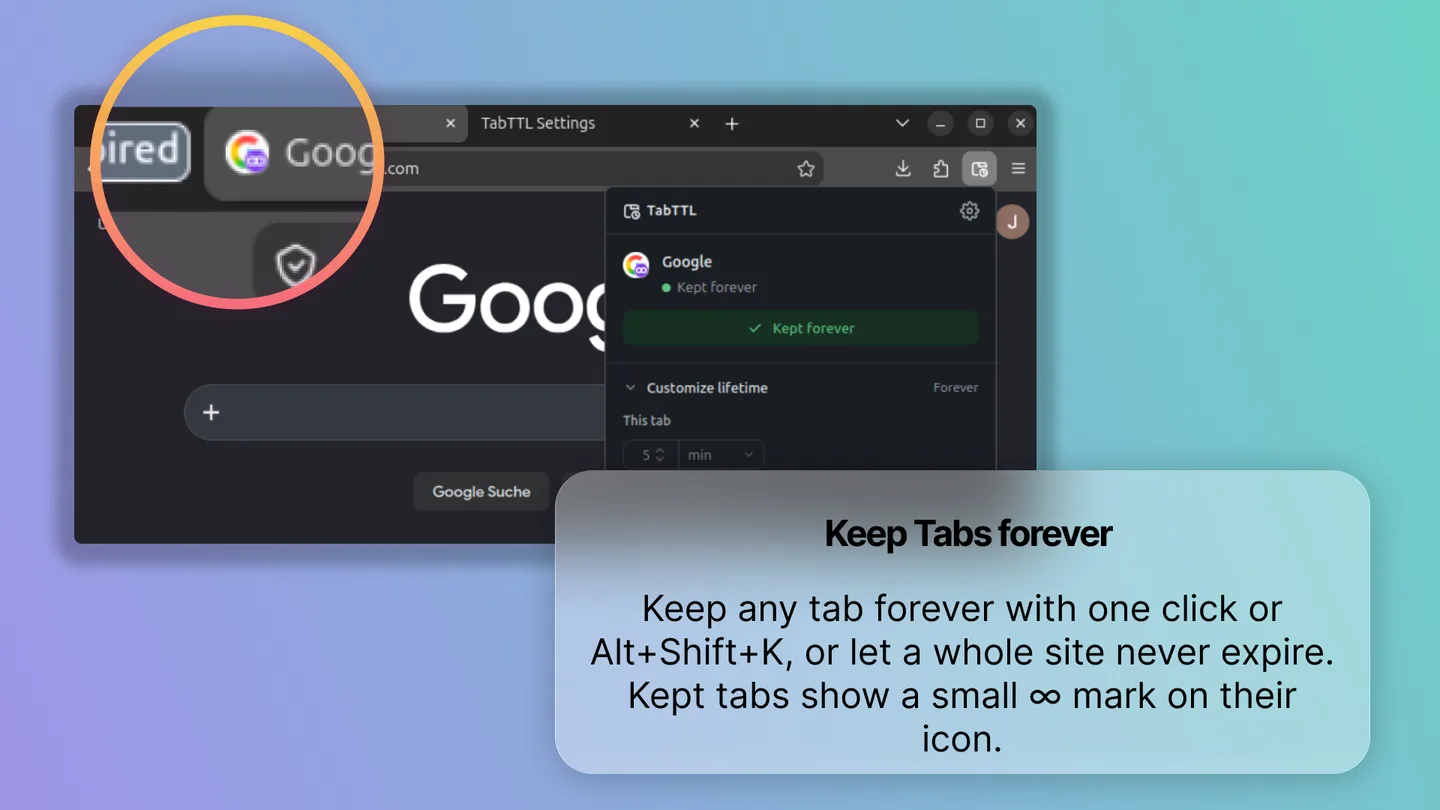
JPStoreshot makes store screenshots for browser extensions: a gradient, your screenshot, a magnifier and a frosted-glass caption card. The glass card is the part everyone notices. It's also the part that broke first.
backdrop-filter doesn't export
In the browser, frosted glass is one line of CSS: backdrop-filter: blur(24px). But a screenshot tool has to produce a PNG. DOM-to-image libraries re-render the DOM into an SVG or canvas, and backdrop-filter is exactly the kind of property they can't reproduce reliably. The preview looked right, and the download didn't.
So Storeshot doesn't use the DOM for the artwork at all. One Canvas 2D function draws the editor preview, the slide thumbnails and the export. Because they share that code, the preview and the export match pixel for pixel.
Blur only what's behind the card
Blurring a full 1920 × 1080 frame on every drag would be slow. But only the area behind the card (plus a margin the size of the blur radius) can affect the glass. Storeshot crops that region and samples it at a quarter of the resolution:
// simplified
const margin = blur * 2;
// … region = card bounds + margin, clamped to the slide
sctx.drawImage(scene, region.x, region.y, region.w, region.h, 0, 0, region.w / k, region.h / k);
blurInto(cache.glass, cache.glassSmall, blur / k);
A blur of radius 24 at full size is a blur of radius 6 at quarter size: 16 times fewer pixels and a much smaller kernel. Scaling the result back up costs almost nothing, and since the image is already blurred, bilinear upscaling looks the same as a full-resolution blur.
Caching the blur
The blurred backdrop is cached under a key built from the scene, the region and the blur radius. Typing into the card doesn't touch the key, so text edits never re-blur. The magnifier only invalidates the cache when it actually reaches into the card's backdrop.
Safari, of course
ctx.filter = 'blur(…)' isn't available everywhere. Storeshot feature-detects it once (set it, read it back) and otherwise falls back to repeated down- and up-sampling, which approximates a Gaussian closely enough at these sizes.
What I took from it
If a tool's output is a file, I now render the file first and make the preview a view of it. And when something is expensive, it's worth asking which pixels can actually change the result. For the glass card, that turned out to be a small crop at a quarter of the resolution.